
Free GCSE Computer Science Practice Test
Both papers, for AQA, OCR and Edexcel: pseudocode and trace tables, binary and hex, systems, networks, security and the law. Learn the basics step by step, drill each topic, then sit two timed tests. Free, no account needed.
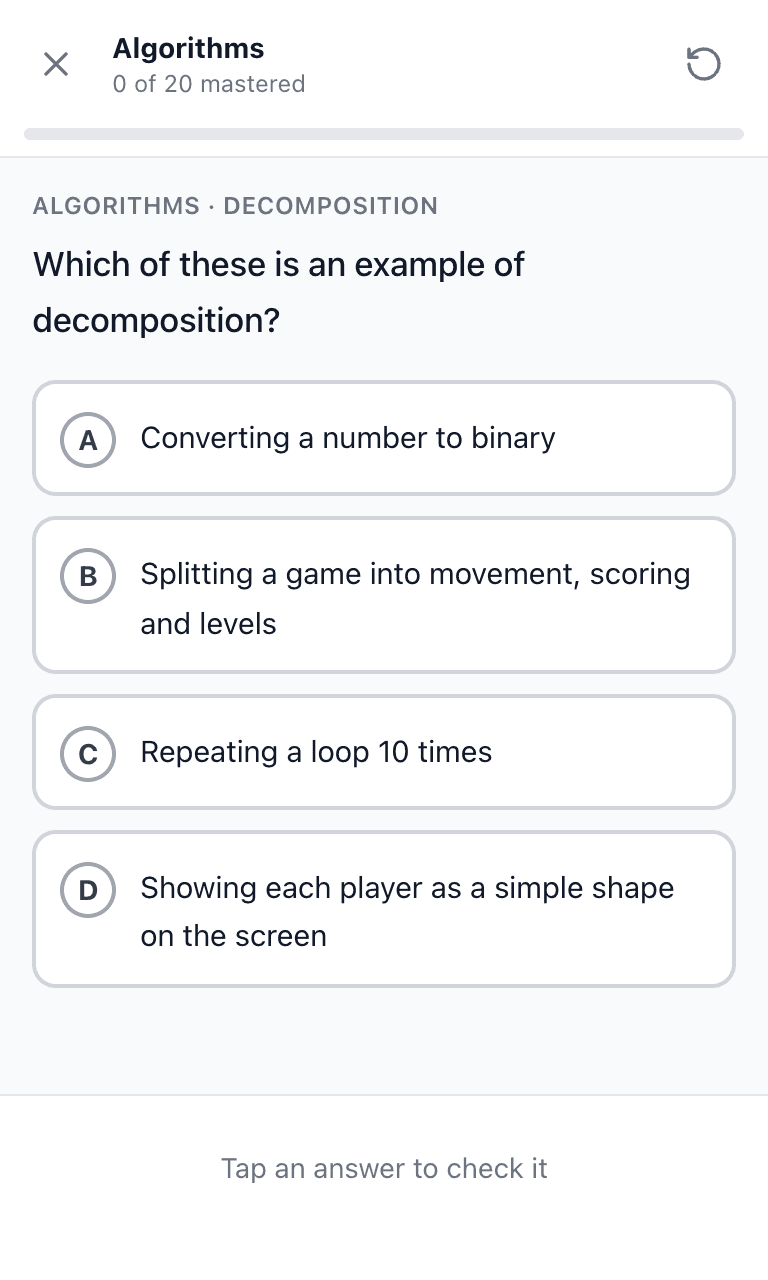
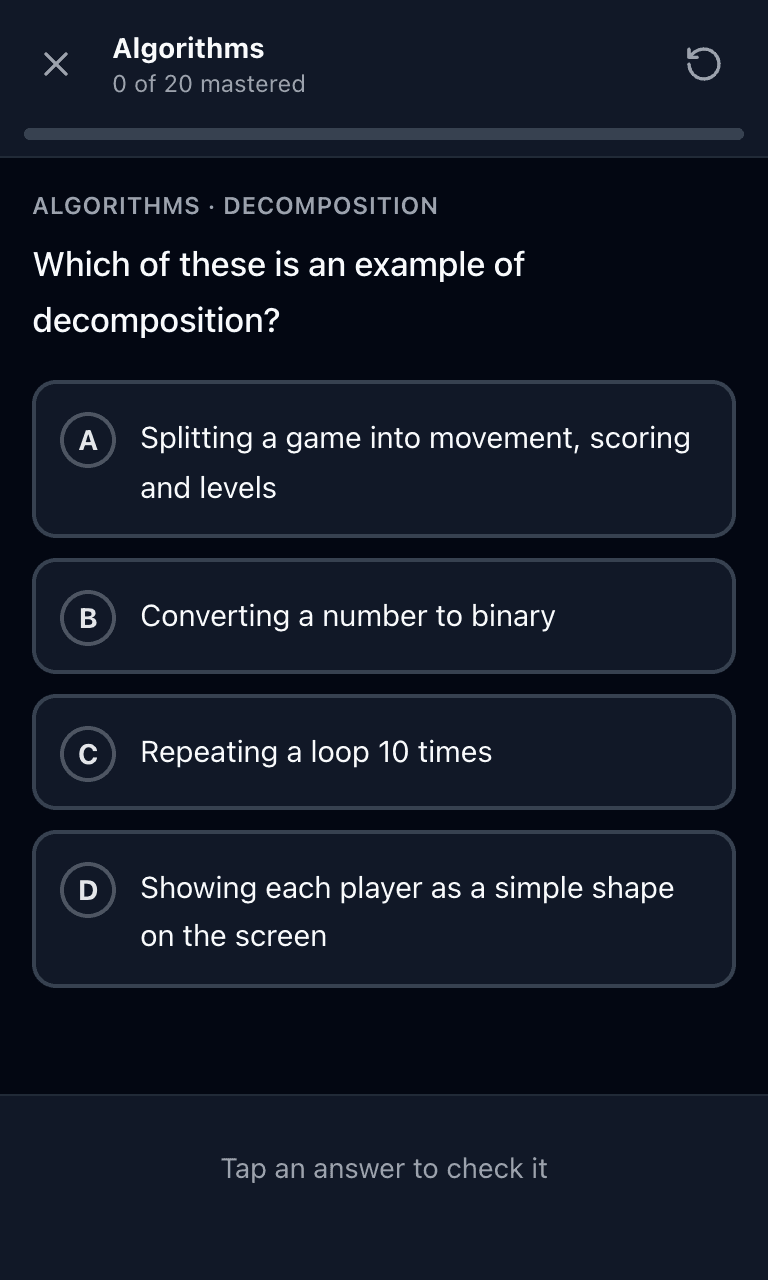
Train on mobile
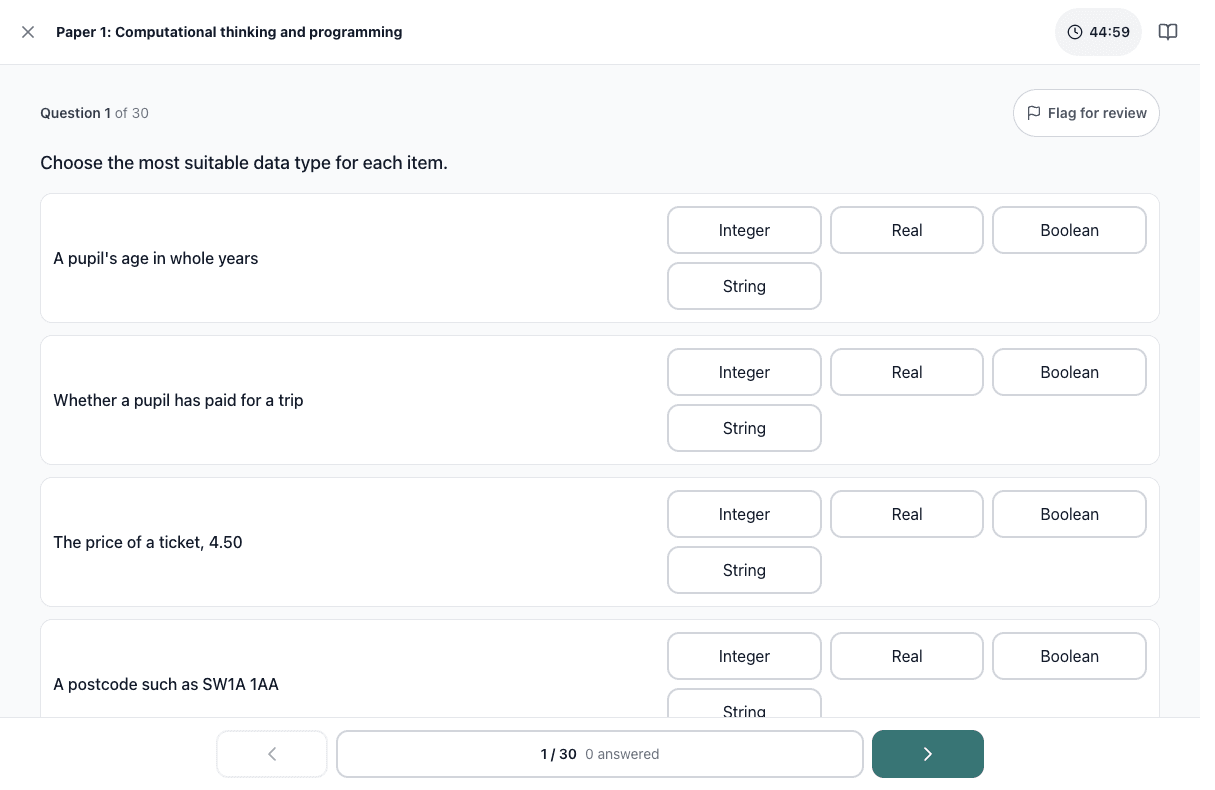
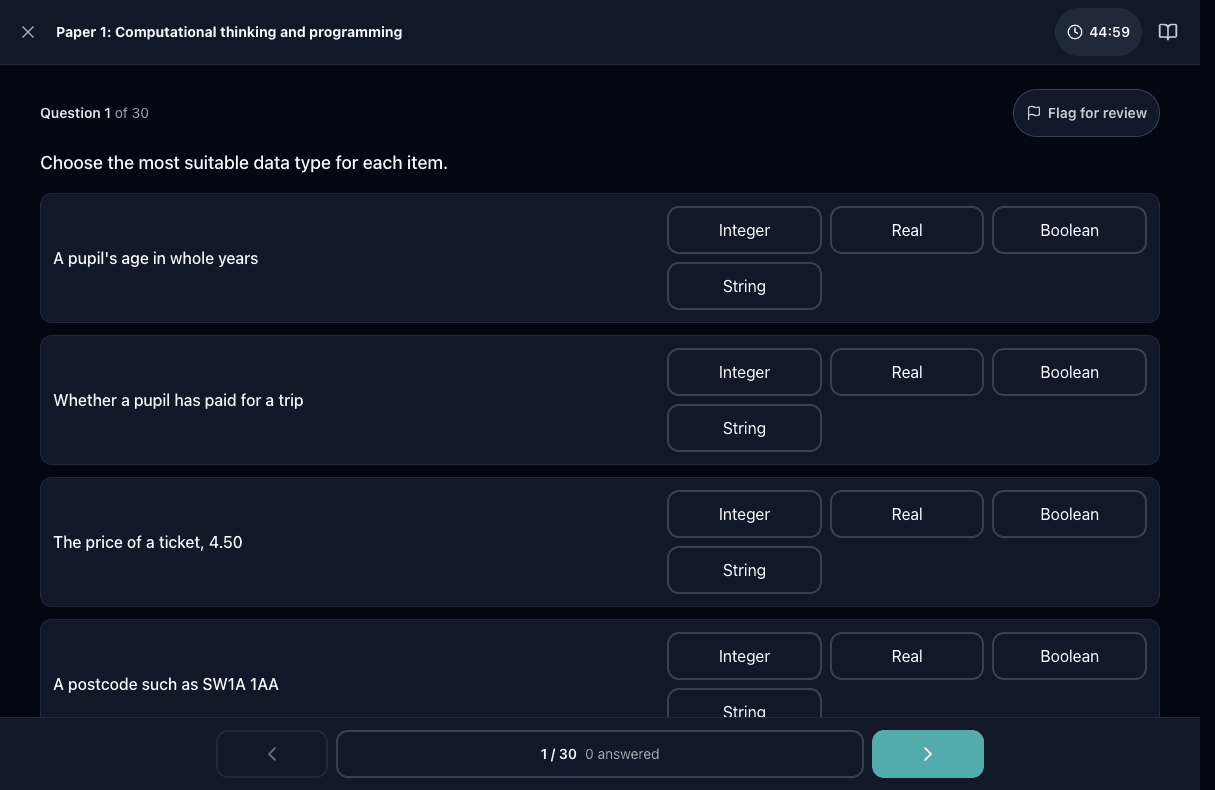
Test on desktop
The GCSE Computer Science exam at a glance
GCSE Computer Science is two written exams of equal weight, sat at the end of Year 11 in England: one on computational thinking, algorithms and programming, and one on computer systems (data representation, hardware, networks, security and the impact of technology). AQA's papers are 2 hours and 1 hour 45 minutes for 90 marks each; OCR's are 1 hour 30 minutes for 80 marks each; Pearson Edexcel's programming paper is a 2-hour on-screen exam. Grades run 9 to 1, with boundaries set after each exam series.
Tigertest has two GCSE Computer Science practice tests of two timed 30-question papers each and seven topic drills, three of which open with step-by-step basics (binary, hex, binary addition, file sizes, trace tables and truth tables). All of it is free with no account required; scores are percent correct, not grades.
- Who takes it
- Year 11 students in England, in May and June
- Papers
- 2 papers, 50% each: programming and computer systems
- Time and marks
- AQA 2 h and 1 h 45 min, 90 marks each; OCR 1 h 30 min, 80 marks each
- Calculator
- Not allowed on the written papers
- Grades
- 9 to 1; boundaries change each year
- Given by
- AQA, OCR or Pearson Edexcel, to the DfE subject content
Updated by the Tigertest team. Practice questions follow the Department for Education's GCSE subject content for computer science (updated March 2025) and the AQA 8525, OCR J277 and Pearson Edexcel 1CP2 schemes of assessment. Exam rules change, so confirm current details with DfE: GCSE subject content for computer science.
How It Works
Basics, Then Drills
Binary, hex, binary addition, file sizes, trace tables and truth tables each start with a walkthrough where you supply every step. Then 20 questions per topic, from easy to hard, marked instantly, and every miss comes back until you get it right.
Two Timed Practice Tests
Each test is two timed papers of 30 questions, programming first and computer systems second, with a short break between. Practice Test 2 is kept out of the drills, so it shows how ready you really are.
Every Topic on Both Papers
Seven drills follow the Department for Education subject content, grouped the way the exam boards split their two papers.

Teach GCSE Computer Science?
Set it as homework or revision for free: share one link, students join with just their first name, and you see who practised, their test scores and the topics your class finds hardest.
Make a class at tigertest.io/teachHow to Revise GCSE Computer Science
1. Trace code on paper
Many programming marks come from reading and tracing code, and it is also the fastest way to check code you have written. Draw a trace table with a column for each variable and write every change down. It is slow at first and then very fast, and it catches the off-by-one mistakes that cost marks.
2. Get the number skills automatic
Binary to denary, hex, binary addition, shifts and file sizes come up every year and there is no calculator. Write the place values 128 down to 1 before every conversion, and check every answer by converting back.
3. Learn the key words exactly
Theory marks go to precise terms: volatile, fetch-execute, abstraction, lossless, penetration testing. If an answer could be marked either way, the exact word usually decides it.
4. Finish with past papers
Once the drills are green, sit Practice Test 2 to check you are ready, then move on to your exam board's past papers to practise the long written answers.
GCSE Computer Science Questions
What is on the GCSE Computer Science exam?
Two written papers, each worth half the grade. One covers computational thinking, algorithms and programming: searching and sorting, pseudocode, trace tables, data types, loops, arrays, subroutines, testing and Boolean logic. The other covers computer systems: binary and hexadecimal, how text, images and sound are stored, the CPU, memory and storage, networks, cyber security, systems software and the ethical, legal and environmental impact of technology. The content comes from the Department for Education, so every exam board covers the same topics.
Does it match AQA, OCR or Edexcel?
All three. The topics follow the shared DfE subject content, and the two practice papers follow the split every board uses. Each board writes pseudocode slightly differently (AQA pseudo-code, OCR Exam Reference Language), so Tigertest uses one plain style with a reference panel you can open on any question. AQA also tests SQL on Paper 2, which appears in the programming drill. Check your own board's specification for its exact paper lengths: AQA's are 2 hours and 1 hour 45 minutes for 90 marks each, OCR's are 1 hour 30 minutes for 80 marks each.
How long are the papers and is there a calculator?
AQA's Paper 1 is 2 hours and Paper 2 is 1 hour 45 minutes, each for 90 marks. OCR's two papers are 1 hour 30 minutes each, for 80 marks. Pearson Edexcel's Paper 2 is a 2-hour on-screen programming paper. Calculators are not allowed on the written papers, so practise binary, hex and file-size working by hand.
How is this different from past papers?
Past papers are the best final practice, but they are long and mostly marked by hand. Tigertest is for the weeks before: short drills on one topic at a time, instant marking with a short explanation, and every missed question coming back until you get it right. The binary, hex, binary addition, file size, trace table and truth table basics each open with a walkthrough where you supply every step. All the questions are original, not copied from any exam board.
What do the scores mean?
Scores are percent correct. Real GCSE papers have short and extended written answers, and grade boundaries change every year, so a percent here is not a grade. A score of 70% or more on a practice test you have not seen before is a strong sign you know the content.
Is it free?
Yes, all of it: every drill, walkthrough and both practice tests, with no account needed. An account saves your progress across a phone and a computer.
I teach a GCSE Computer Science class. Can my students use Tigertest?
Yes, for free. Make a class at tigertest.io/teach, post one link, and students join with just their name. You see who practiced, their test scores and the topics your class misses most.
Related practice tests
Every test on Tigertest is free and needs no account to start.
- Times Tables Practice TestPrimary school · Year 2 to Year 4 MTC
- KS2 SATs Practice TestYear 6 SATs · Reading, GPS, Maths
- 11+ Practice TestGrammar school entry · English, maths, verbal reasoning
- GCSE Maths Foundation Practice TestFoundation tier · AQA, Pearson Edexcel and OCR
- GCSE Maths Higher Practice TestAQA, Edexcel and OCR (England)
- GCSE Combined Science Practice TestGCSE double award · Biology, Chemistry, Physics